Installing PriviMetrics on your web server is fast, lightweight, and straightforward. Follow this step-by-step guide to get your cookieless analytics up and running in minutes.
Step 1
Go to the official website: privimetrics.com.
Download the latest .zip archive containing the PriviMetrics installation files.
Step 2
Log in to your web hosting control panel (e.g., cPanel, DirectAdmin) or connect via FTP/SFTP.
Upload the downloaded .zip file to your server's root directory (e.g., public_html) or a dedicated subdirectory (e.g., public_html/).
Unpack/extract the contents of the archive directly onto your server.
Step 3
Open your web browser and navigate to your site's URL where the files were uploaded, appending /install.php.
The interactive installer screen will appear.
Step 4
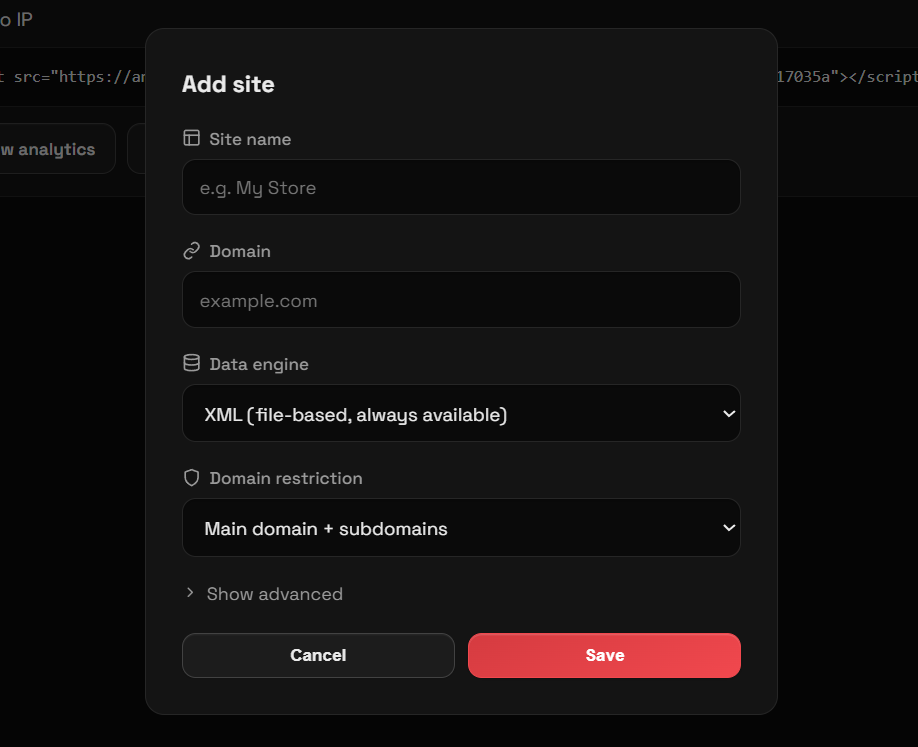
Fill in the required installation fields (such as administrator credentials, site domain, and preferred storage settings).
Click the setup button to finalize the installation.
Once completed, delete the install.php file from your server for security purposes.
You are now ready to log in to your PriviMetrics dashboard and integrate the lightweight tracking script into your website!